BMG Modules/Blocks

BMG Agency Support

Feature 1
Feature 2
Feature 3
Feature 4
BMG BambooHR Block

Description

Basic Text Area. Can have light or dark theme.

BMG Columns. Text for the “narrow column content.”

Text for the “wide column content.” Option for CTA Link. Theme can be dark, light, grey, or white. Option for wide container. Option for background image. Option to swap columns. Option to enable bullet list columns.

CTA Link

Bullet List Columns

  • Column 1 Item 1
  • Column 1 Item 2
  • Column 1 Item 3
  • Column 2 Item 1
  • Column 2 Item 2
  • Column 2 Item 3

BMG Columns has lots of options. This is the side text.

More Text Over Here

Option for call to action link. Theme can be black, white, or light (grey is just black again). Option for wide container or constrained. Option for background image. Option to swap columns. Option to add a columned bulleted list.

CTA Link

Bulleted List

  • Column 1 Item 1 Can be 2 or 3 columns
  • Column 1 Item 2
  • Column 2 Item 1
  • Column 2 Item 2
1

Step 1

Step 1 description. Can use icon CSS class to pick icon

2

Step 2

Step 2 description

3

Step 3

Step 3 description

4

Step 4

Step 4 description

5

Step 5

Step 5 description

BMG Stats

0 Stat 1

0 Stat 2

0 Stat 3

0 Stat 4


Boilerplate Block Heading

BMG Carbon Footprint

Intro description. Add as many “columns” as you want

Label 1
Label 2
Label 3
Label 4
Label 5

BMG Card Numbers

Can have white or grey background. Add as many cards as you want.

1First card title

Content for the first card

2Second card title

Content for the second card

3Third card title

Content for the third card

BMG Card Simple

Can have white or grey background. Add as many cards as you want.

First card title

Content for the first card

Second card title

Content for the second card

Third card title

Content for the third card

BMG Card Simple Red

Can have white or grey background. Add as many cards as you want.

First card title

Content for the first card

Second card title

Content for the second card

Third card title

Content for the third card

BMG Card Simple Red Image

Can have white or grey background. Add as many cards as you want.

First card title

Content for the first card

Second card title

Content for the second card

Third card title

Content for the third card

BMG Card Square

Can have white or grey background. Add as many cards as you want.

First card title

Content for the first card

Second card title

Content for the second card

Third card title

Content for the third card

BMG Case Study

Heading 1
Heading 1
Module can be 2 or 3 columns. Also an option for a “constrained container” CTA Option
Heading 2
Heading 2
Description 2

BMG Case Study Slider

BMG Clients

Blue Origin Logo wht
UBS logo wht
espn logo wht
schwab logo wht
hilton logo wht
disneyplus logo wht
verizon logo wht sm
trutv logo wht sm
tdan logo wht sm
natas logo wht sm

BMG Clients Static

espn logo wht
UBS logo wht
hilton logo wht

BMG Contact

Theme can be light or dark. Selection of Gravity Form or Embed Code. Enter form ID (I put 8 since that’s the only one I know)

"*" indicates required fields

This field is for validation purposes and should be left unchanged.

BMG Contact V2

Contact form version 2. Theme can be dark or light. Selection of Gravity Form or Embed Code. Enter form ID.

Privacy Policy text

"*" indicates required fields

This field is for validation purposes and should be left unchanged.

BMG Content Area

Simple content area. Can have light, grey, or dark theme.

Text Before Heading

BMG CTA Block

CTA Link
BMG Download Banners Download Link
Multiple Banners. This is the second one Download Link
File Name Download Link

BMG Expanding Columns

  • Column Heading

    Title
    Title
  • Column Heading

    Icon title
  • Column Heading

    icon title
    icon title
    icon title

BMG FAQs

Answer 1

Answer 2

Answer 3

BMG Features Tables Block
Description. Always has 3 tables, but you can put as many features as you want for each.
Table Title 1
  • Feature 1
  • Feature 2
  • Feature 3
Table 2
  • Feature 1
  • Feature 2
Table 3
  • Feature 1
  • Feature 2
  • Feature 3
  • Feature 4

BMG Four Columns

Heading 1

Description 1. Can be light or dark theme

Heading 2

Description 2

Heading 3

Description 3

Heading 4

Description 4

Title BMG Four Columns Alt Theme can be light or dark
Title Column Heading Description

BMG Get Started Form

Can enter form ID. I only know form ID 8, so that’s what I entered

Name
Title

"*" indicates required fields

This field is for validation purposes and should be left unchanged.

BMG Hero

Description. Background position most likely doesn’t work. Heading can be h1 or h2. This text can appear before or after heading. Option for video and mouse link.

Play Video

BMG Hero Alt

Description

BMG Hero Basic

Description

To Content

BMG Hero CTA

Description

To Content

BMG Hero New

Subhead

CTA Link

BMG Hero Slider

I was able to add a video to this. Not sure what it does without video. Option for mouse icon. Slides appear to be just images.

Play Video
To Content
BMG How It Works Block
Icon Text
Title

Add as many items as you want

Icon Text
Title

Description

Icon Text
Title

Description

BMG Icon Columns

Icon 1

Can add a bunch of icons columns

Icon 2

Can add a bunch of icons columns

Icon 3

Can add a bunch of icons columns

Icon 4

Can add a bunch of icons columns

BMG Icons Box

Icon Title 1
Icon Title 2
Icon Title 3
Icon Title 4

BMG Image & Icons

Heading Before Icons

Icon 1

Option to module left or right. Option for CTA Link. Can use icon CSS class to pick icon, or enter material symbol.

CTA Link
Icon 2

Image can be 4 or 6 columns wide. Option for black or white theme
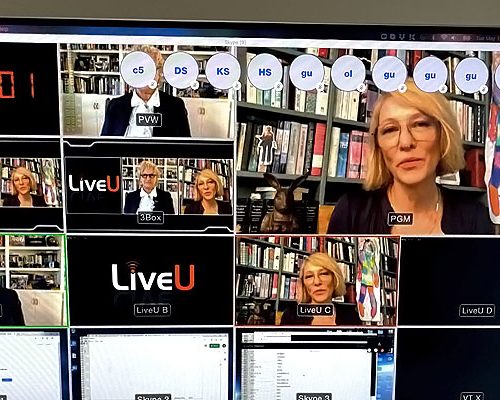
MAM header
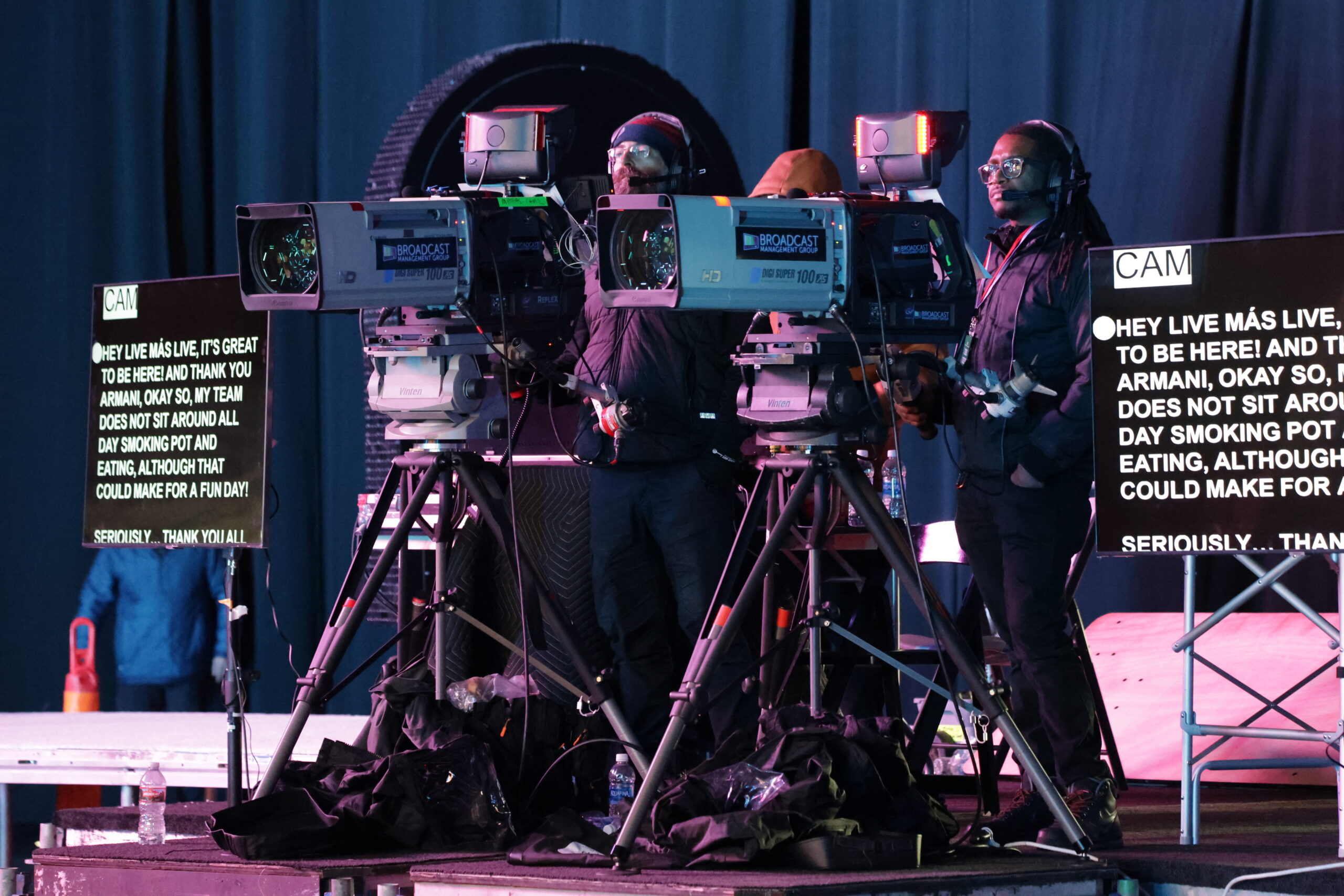
taco bell cameras scaled 1
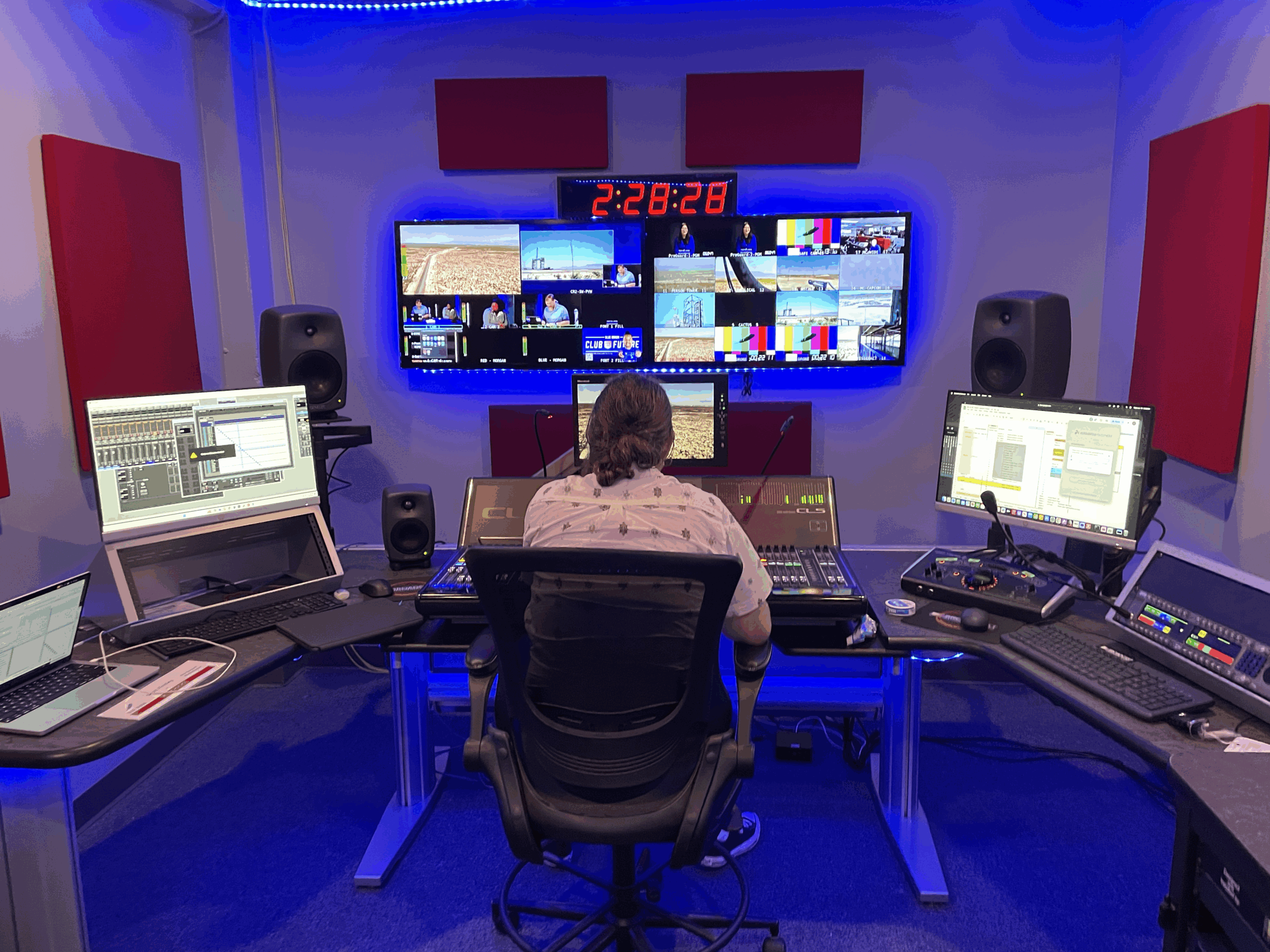
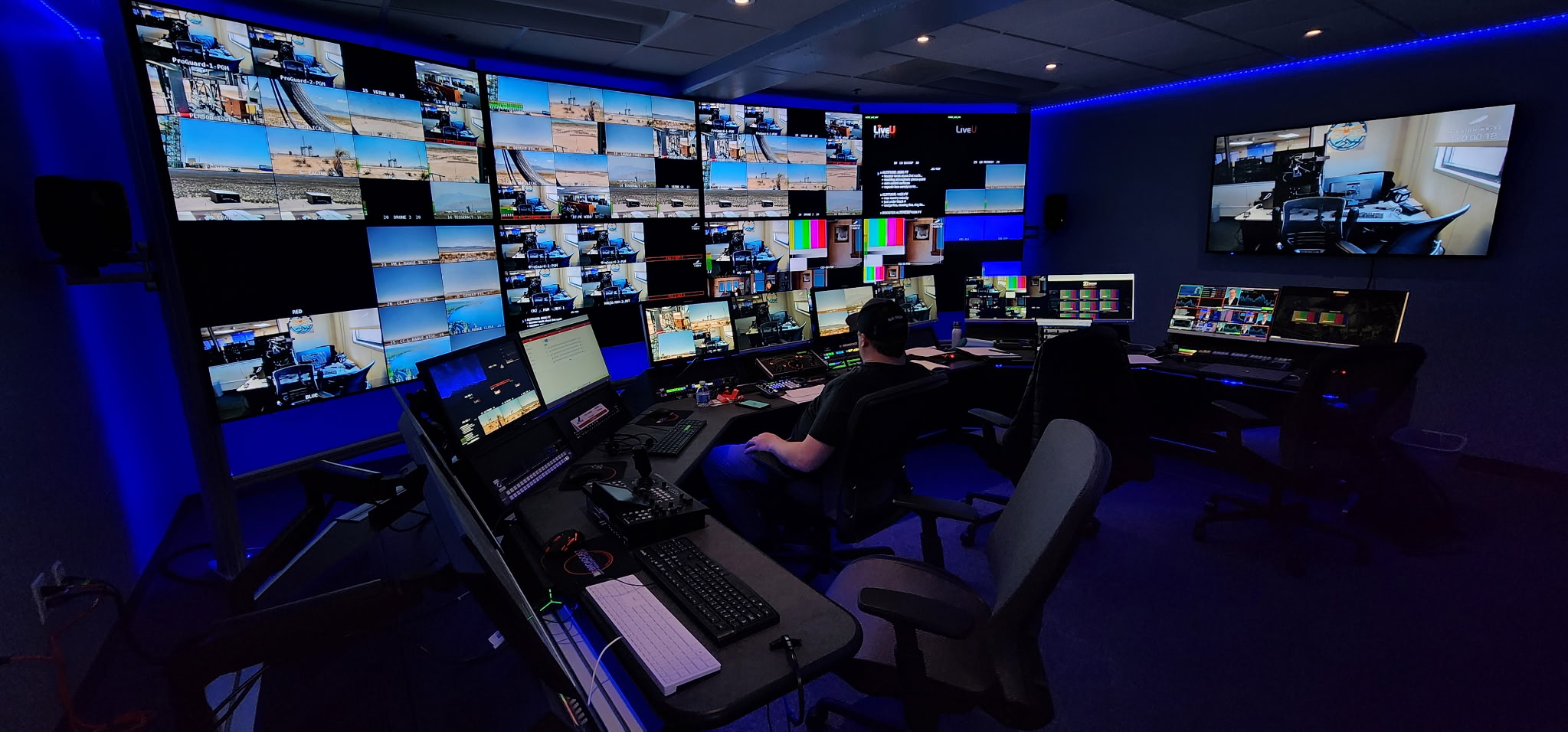
bmg control room blue origin

BMG Image + Two Cols. This is column 1

Column 2

BMG Key Players

Driss Sekkat Headshot
Person 1

Title

Profile Link

Introduction of person. Profile link too.

Frank Slany
Person 2

Title

Profile Link

Introduction

Eric Finney 1
Person 3

Title

Profile Link

Introduction

Mya Seals Hill
Person 4

Title

Profile Link

Introduction

BMG Large Content

Content area. Can be dark or light theme. Basically a WYSIWYG / RTA.

content for tab 1

content for tab 2

content for tab 3

BMG Management

Description.

Address 6031 Kansas Ave NW
Washington, DC 20011

Business Hours 24/7

Number 202.609.7757

BMG Newsletter Subhead

CTA Link

BMG Our Work

BMG Red Bar List

Can have white or grey background. Add as many items as you want.

Item 1

Content for item 1

Item 2

Content for item 2

Item 3

Content for item 3

BMG Service Cards Block

Description. Can add as many cards as you want.

CTA Link

Title

Description

CTA Link

Title

Description

CTA Link

BMG Side by Side Image and Icons

Icons Block Heading

Icon 1
Icon 2
Icon 3
Icon 4
MAM header

This is the red text. It can appear before or after the heading.

BMG Side by Side

Module can be flipped left or right. Image can be 4 or 6 columns wide. Heading can be H2 or H4. CTA button can be black, white, or red. Button also has an option to have a video icon, and the button opens up with video window.

CTA Button
MAM header

BMG Side by Side Repeater

Content. Add as many of these modules as you like. You have the option of a white or grey background, and a CTA.

CTA

BMG Single Content Area

Single content area. Theme can be light, grey, or dark.

BMG Steps

Step Title

Step Details

Step 2

Step Title 2

Step Details 2

Step 3

Step Title 3

Step Details 3

BMG Team

BMG Team Awards

Award Name

TypeDetails

Name

TypeDetails

Name

TypeDetails

Name

TypeDetails

Name

TypeDetails

Name

TypeDetails

Name

TypeDetails

Name

TypeDetails

BMG Testimonial

Pretty simple module. This is the main quote.

Person who is the Quoter— Quoter’s Title
BMG Text Slider Block

Slide 1

Can have as many slides as you want

CTA Link

Slide 2

Description

CTA Link

Slide 3

Description

CTA Link

BMG Two Columns

Option to swap the columns. This is the “light BG Column” (think they meant left though).

Right BG Column Heading

Benefit 1

  • List Item 1.1 This section can be 1 column or 2.
  • List Item 1.2

Benefit 2

  • List Item 2.1
  • List Item 2.2

BMG Two Columns List

  • List Item 1
  • List Item 2
  • List Item 3

BMG Vertical Slider

Seems like you can add lots of slides here. Option for CTA link.

CTA Option

Heading 2

Description 2

Heading 3

Description 3

MAM header
BMG Video Feed

Title

Explore
MAM header
Multiple videos can be added

Title

Explore

BMG Video Modal

Video Description play icon

REMI ENTERTAINMENT WORKFLOW

  • Exec ProducerRemote
  • ProducerRemote
  • DirectorRemote
  • ReplayRemote
  • GraphicsRemote
  • TX EngineerRemote
  • Multiview & Comms
  • Multiview & Comms
  • Multiview & CommsMachine Control
  • Multiview & CommsMachine Control
  • Multiview & CommsMachine Control
  • Multiview & CommsMachine Control
MAM header
  • Data
  • Comms
  • Program Dirty
  • Program Clean
  • Camera (8) + Audio
  • Video Feeds
bmg sound room scaled 1

BMG Workflow Icons

  • Item 1
  • Item 2
  • Item 3
  • Item 4
  • Item 5

Icons Section Heading

Heading

Description

Heading

Description

Heading

Description

Heading

Description

BMG Workflow Tabs

Key Components Title

  • Item 1
  • Item 2
  • Item 3

Tabs Section

  • Tab Column Title
    Tab Column Content
  • Tab Column Title
    Tab Column Content
  • Tab Column Title
    Tab Column Content
  • Tab Column Title
    Tab Column Content

Scroll to Top