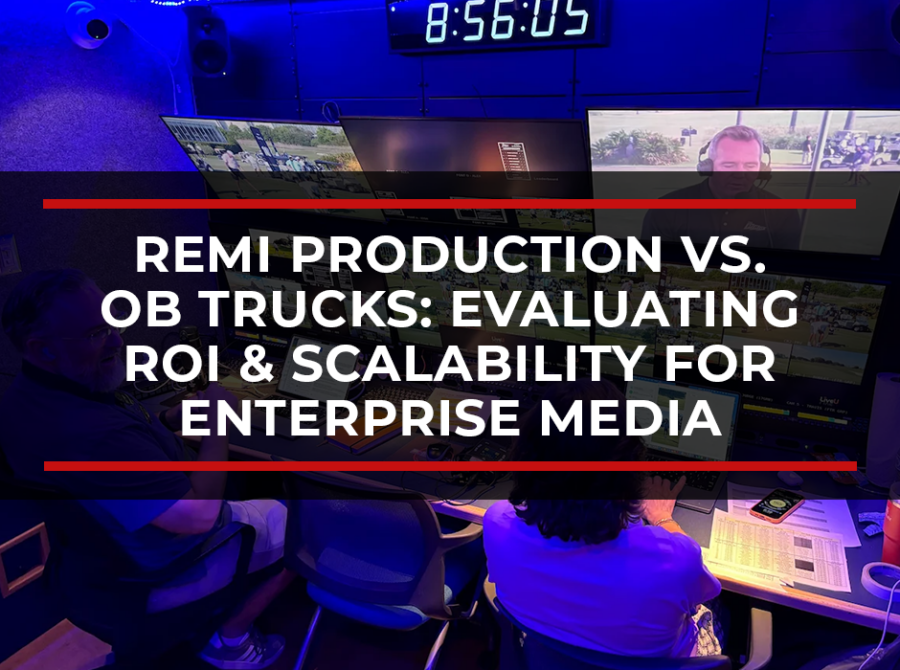
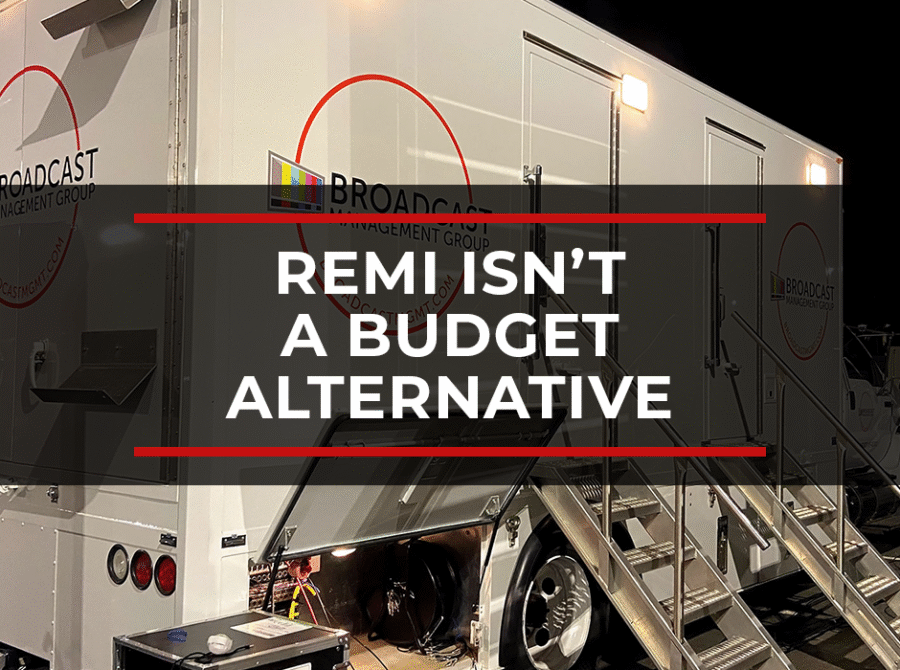
For decades, outside broadcast trucks have been the standard for complex live production.
They put the control room, engineering team, switching, audio, replay, graphics, communications, transmission, and production leadership close to the event. And for many productions, that model still makes sense.
But more and more organizations are now asking whether the entire production operation actually needs to be built on-site every time.
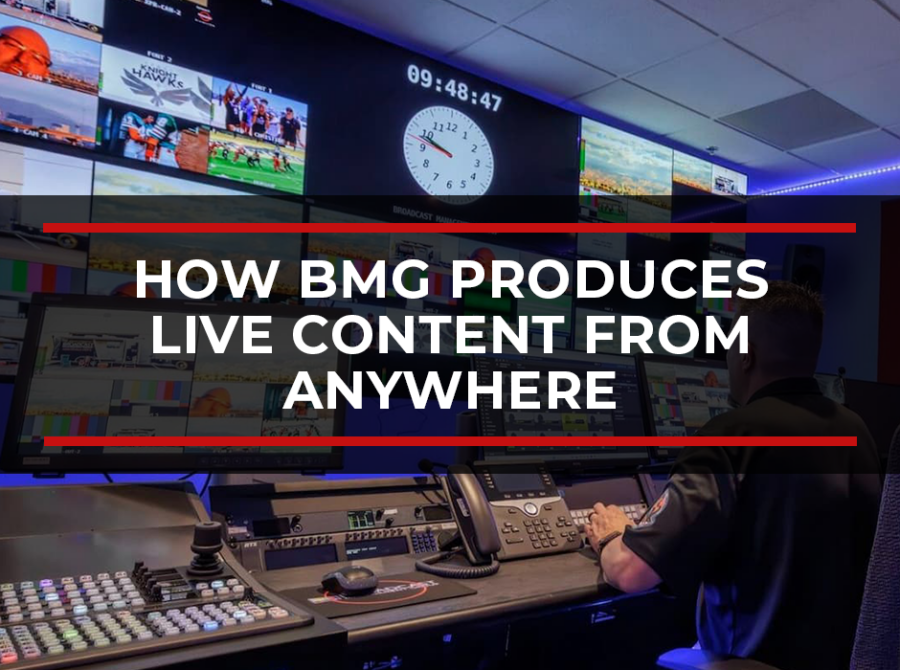
REMI and remote production workflows give production teams another option. Cameras, audio, and key event infrastructure can remain at the venue while switching, graphics, replay, audio mixing, engineering, monitoring, transmission, and production support move into a centralized control room, Network Operations Center, or cloud-connected production environment.
The challenge is making that transition without lowering quality, creating latency issues, weakening communications, or adding new points of failure.
To do that requires a clear technical plan.
The Core Issue: REMI Is a Workflow Redesign
The biggest mistake organizations make when moving from Outside Broadcast (OB) trucks to REMI is treating remote production as a simple replacement for the truck.
A traditional truck centralizes production on-site. A REMI workflow centralizes the production somewhere else. The same core needs still exist: clean camera feeds, reliable audio, low-latency communications, multiview monitoring, replay, graphics, engineering support, transmission, redundancy, and clear production leadership.
The location changes, but the requirements don’t.
When REMI transitions fail, it usually comes down to gaps in the architecture:
- Camera and audio feeds are routed without enough redundancy
- Internet or IP contribution paths become single points of failure
- Communications between the venue and control room aren’t reliable enough
- Latency isn’t tested under real production conditions
- Remote operators don’t have the multiviews or control access they need
- Engineering teams cannot monitor the full signal path
- The production team doesn’t have a clear escalation plan
A successful transition starts by mapping the entire production workflow, then deciding which parts should stay on-site and which can be centralized.
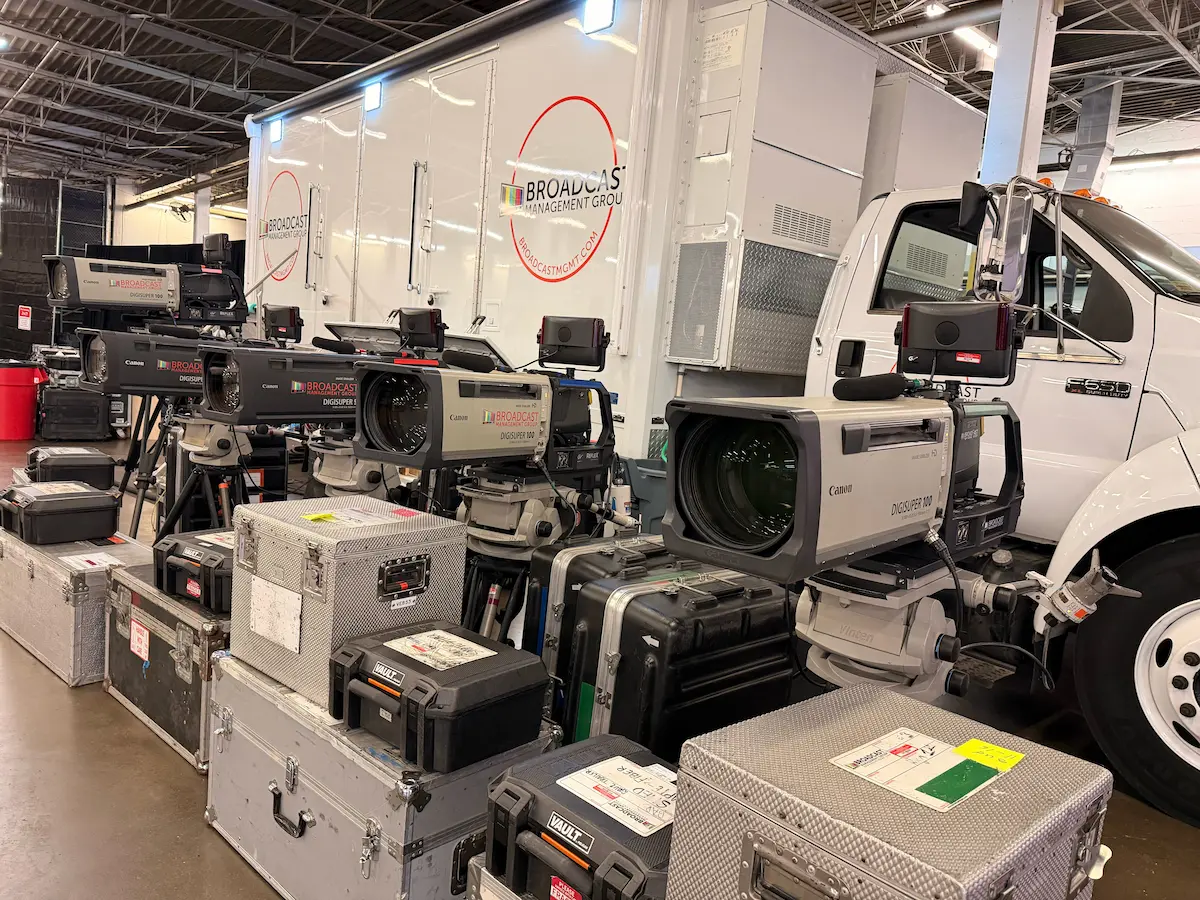
The Diagnostic Checklist: What to Evaluate Before Moving to REMI
Before shifting from an OB truck model to a REMI workflow, evaluate production from both technical and operational perspectives.
1. Signal Flow
Start with every source that needs to be captured, transported, monitored, switched, recorded, or delivered.
Ask:
- How many camera feeds are required?
- How many audio sources are required?
- Are feeds coming from one venue or multiple locations?
- What sources need to be available for program, replay, graphics, ISO records, or monitoring?
- Where does each signal originate, and where does it need to go?
- What happens if a primary signal path fails?
This is the foundation of the entire REMI workflow. If signal flow is unclear, the rest of the production will be vulnerable.
2. Contribution Paths
REMI depends on reliable contribution from the event location to the central production environment.
Ask:
- Is there dedicated fiber at the venue?
- Is there diverse IP connectivity?
- Do you need bonded cellular, satellite, Starlink, or another backup path?
- How much bandwidth is required for all camera, audio, comms, monitoring, and return feeds?
- What is the expected latency?
- Has the network been tested under real production load?
What good looks like: the workflow should have primary and backup contribution paths, with a clear failover plan. “Backup Wi-Fi” is not enough for high-value live production.
3. Redundancy
Redundancy has to cover the whole production chain, not just the final stream.
Ask:
- Are there redundant encoders?
- Are there backup power options?
- Are there alternate transmission paths?
- Are comms backed up?
- Are critical cameras or feeds protected?
- Is there a backup program path?
- Who monitors each point of failure?
- Who makes the call when failover is needed?
A strong REMI workflow should define what happens before something breaks, not after.
4. Communications
In an OB truck model, the production team is physically close to the venue. In a REMI model, communication becomes even more important.
Ask:
- Can the director, producer, camera operators, audio, engineering, replay, graphics, and venue team communicate clearly?
- Are comms available across on-site and remote positions?
- Is there a backup comms path?
- Can remote operators communicate with the same confidence they would have in a truck?
- Are IFB, PL, talent, field producer, and technical channels properly separated?
Good REMI production depends on the crew feeling connected, even when they are spread across locations.
5. Monitoring and Multiviews
Remote teams need visibility into the production.
Ask:
- What multiviews are available to remote operators?
- Can the director see the right sources at the right latency?
- Can engineering monitor signal health across the full path?
- Can the client or producer view the show remotely when needed?
- Are there return feeds for on-site teams and talent?
A REMI workflow should make the remote control room feel like it has full awareness of the event.
6. Production Roles
Not every role needs to be remote. Not every role should stay on site.
Ask:
- Which roles need to be physically present?
- Which roles can operate from a centralized control room?
- Which roles can work from home or another facility?
- Who owns technical decision-making?
- Who manages the on-site crew?
- Who handles remote operations?
- Who coordinates between the venue and central production team?
The right staffing model depends on the production. A sports event, corporate town hall, awards show, and product launch may each require a different balance of on-site and remote personnel.
7. Rehearsal and Testing
A REMI workflow should be tested before show day.
Ask:
- Has the signal path been tested end-to-end?
- Have latency and sync been checked?
- Have remote contributors been tested?
- Has failover been rehearsed?
- Have comms been tested across all locations?
- Has the production team completed a technical rehearsal?
- Is there a written escalation plan?
Testing is where the production team finds weak points before the audience does.
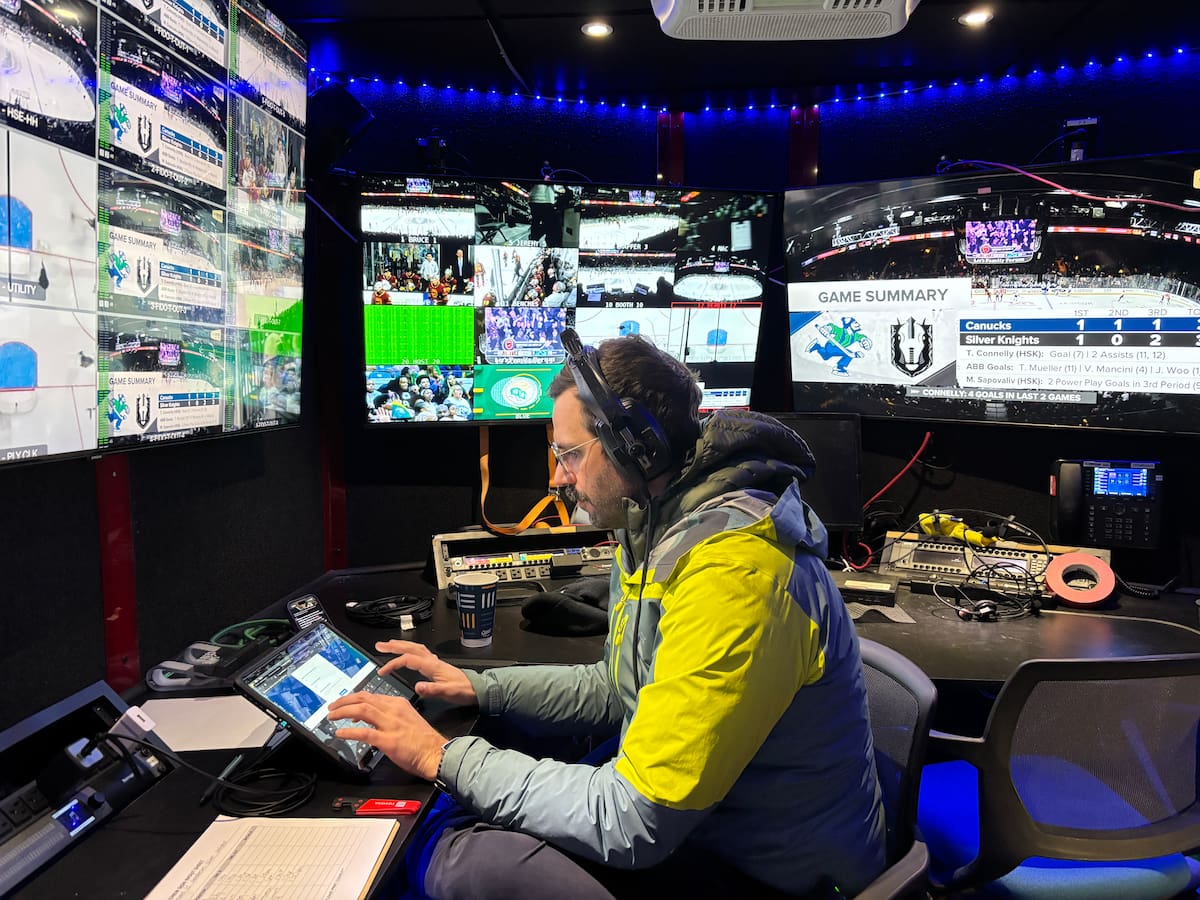
The Solution Framework: How to Transition From OB Trucks to REMI
A successful REMI transition should happen in phases. The goal is to move the right parts of the production into a centralized environment while protecting the quality, reliability, and communication standards of the live show.
Step 1: Map the Existing OB Workflow
Start with the current truck-based model.
Document every camera, audio source, graphics system, replay source, comms path, monitor feed, transmission path, record path, and operator position.
This gives the team a baseline. From there, you can identify what the truck is currently doing and which functions can move into a REMI workflow.
Step 2: Decide What Stays On Site
Some parts of the production still need to live at the venue.
That may include cameras, audio capture, field producers, utility positions, lighting, stage management, transmission support, and essential engineering.
The goal is to keep the on-site footprint focused on event capture and venue-specific needs.
Step 3: Decide What Moves to the Centralized Control Environment
Once the on-site requirements are clear, identify which production functions can be centralized.
Depending on the show, that may include:
- Directing
- Technical direction
- Switching
- Audio mixing
- Replay
- Graphics
- Teleprompter
- Video shading
- Engineering support
- Transmission
- Monitoring
- Media management
- Client viewing
- Recording and archive
This is where REMI creates flexibility. The production can access experienced operators and technical resources without requiring every person and system to be physically located at the venue.
Step 4: Build the Contribution Architecture
The contribution path is the bridge between the venue and the control environment.
A strong architecture may include dedicated fiber, diverse IP paths, bonded cellular, satellite, Starlink, backup encoders, redundant routing, and real-time monitoring.
This architecture should be designed around the actual risk profile of the event. A small internal stream may not need the same contribution plan as a global product launch, investor event, professional sports production, or awards show.
Step 5: Build Redundancy Into the Workflow
Redundancy should be planned across the full production path.
That includes source acquisition, encoding, transport, routing, switching, audio, graphics, comms, power, streaming destinations, and final delivery.
Every critical part of the workflow should have an answer to three questions:
- What can fail?
- What is the backup?
- Who is responsible for the response?
Step 6: Create the Remote Production Environment
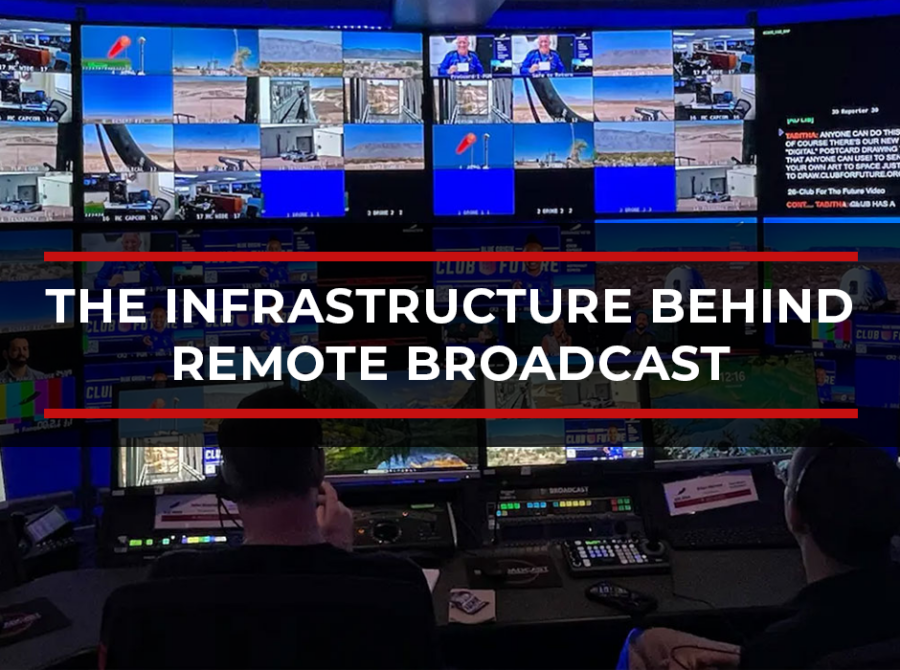
The centralized production environment should provide remote operators with the tools they need to do their jobs to a broadcast standard.
That includes low-latency multiviews, reliable comms, remote machine access, monitoring, return feeds, audio routing, graphics access, replay workflows, and engineering support.
The goal is to create a remote control room experience that supports the same production discipline as an OB truck.
Step 7: Test Under Real Conditions
Testing should include more than turning the system on.
The team should test bandwidth, latency, audio sync, comms, camera feeds, graphics, replay, remote access, platform delivery, backup streams, and failover paths.
A strong test should answer practical questions:
- Can the director comfortably call the show?
- Can the engineer see and solve problems quickly?
- Can the audio team manage sync and mix quality?
- Can backup paths take over if needed?
- Can the streaming destination receive the signal reliably?
- Can the on-site and remote teams communicate clearly?
Step 8: Start With a Hybrid Model When Needed
Some organizations should not move from a full OB truck model to a fully remote model in one step.
A hybrid workflow can be the right transition point. In this model, some production resources remain on-site, while other roles move to a centralized facility or NOC.
This gives the team a chance to validate the workflow, build confidence, train crews, and refine the production model before moving more of the operation to remote work.
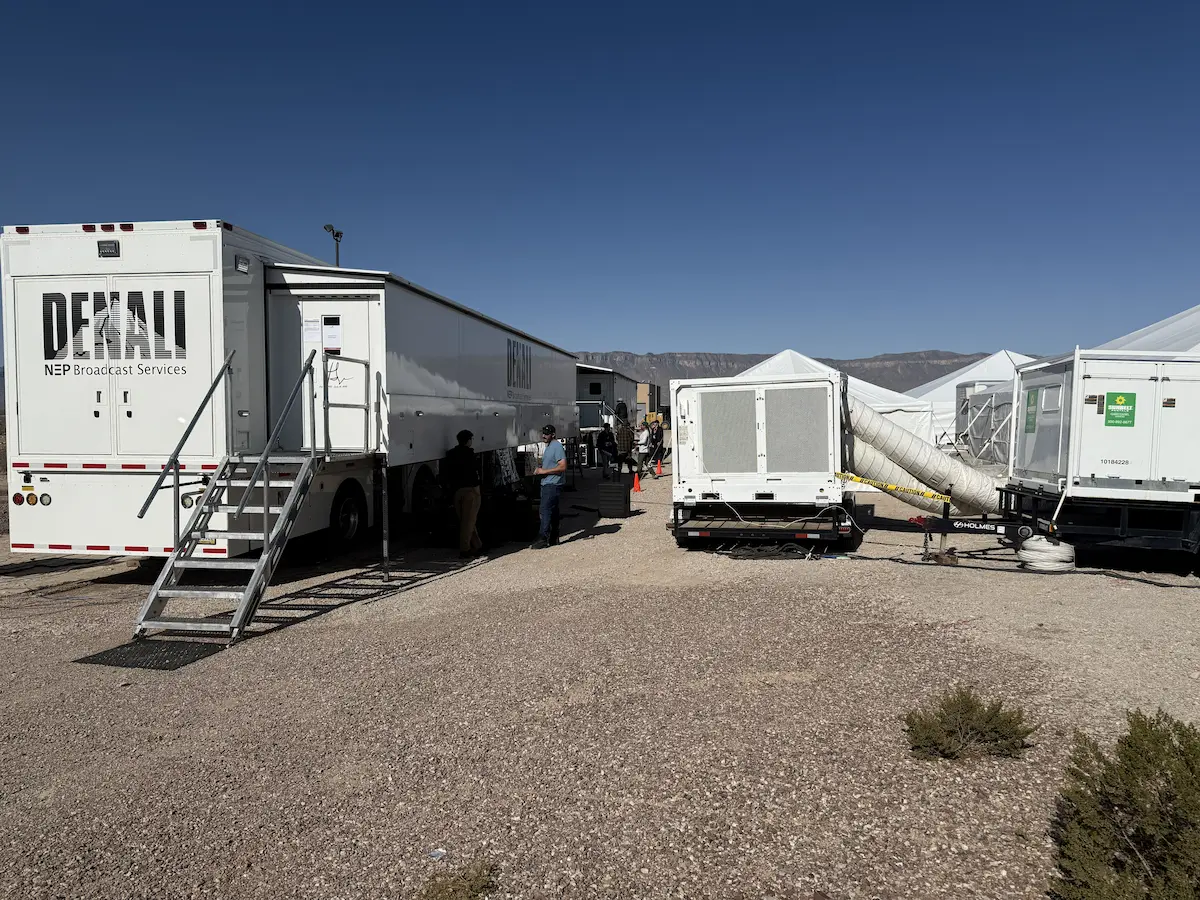
The Direct Solution: How BMG Supports the Transition
BMG helps organizations move from traditional OB truck workflows to REMI and remote production models through a combination of engineering design, live production experience, centralized infrastructure, and operational support.
BMG can support the transition through:
- Workflow assessment and technical planning
- Signal flow design
- REMI and hybrid production architecture
- On-site capture planning
- Production staffing and crew design
- Fiber, IP, bonded cellular, satellite, and Starlink contribution planning
- Encoding and transmission workflows
- Redundancy design
- Communications planning
- Low-latency multiview and remote operator workflows
- NOC-based monitoring and engineering support
- Cloud Control Center™ integration
- Live production execution
- Post-event media management and content support
For clients, the value is flexibility. A production can still use on-site resources where they matter most while moving the core production workflow into a controlled broadcast environment supported by BMG’s Network Operations Center, engineering team, and cloud-connected infrastructure.
That model can reduce the on-site footprint, improve access to specialized production talent, strengthen centralized monitoring, and create a more repeatable workflow for future events.
What Quality Looks Like in a REMI Workflow
Quality in REMI production is not only about picture quality.
It is about the entire live production experience:
- Camera feeds arrive reliably
- Audio stays clean and in sync
- Comms work across every required position
- Operators have the multiviews and tools they need
- Redundancy is built into the workflow
- Engineering teams can monitor and respond in real time
- The director can call the show confidently
- The audience receives a polished live broadcast
- The client does not feel the difference in execution quality
When designed correctly, REMI is a production model that gives organizations more flexibility in how they use people, infrastructure, and technology.
Thinking about moving from traditional OB truck workflows to REMI or remote production?
BMG helps organizations design, test, staff, and operate REMI production models that preserve broadcast quality while creating more flexible, scalable, and resilient workflows.
Talk to BMG about building the right remote production model for your next live event.

Todd Mason is the Chief Executive Officer of Broadcast Management Group (BMG), a broadcast infrastructure and media operations company helping define the next generation of television production, live media operations, and broadcast network infrastructure in North America.
About Todd Mason